

Overview
HEIC is the default image format used by many Apple devices because it provides efficient compression while maintaining good image quality. However, some websites, apps, and older devices may not support HEIC files. Converting HEIC to JPG creates a widely supported image file that is easier to share, upload, edit, and open across different platforms. This guide shows how to convert HEIC images to JPG online using Koriflux without installing additional software.
How to Convert HEIC to JPG?
- 01
Upload your HEIC image.
Choose a HEIC file from your device and upload it to the Koriflux workspace.

- 02
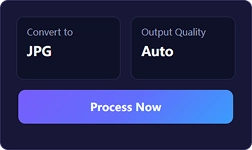
Convert HEIC to JPG.
Start the conversion and let Koriflux process your HEIC image into a JPG file.
- 03
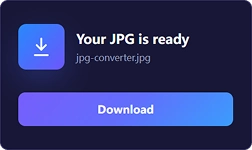
Download your JPG file.
Download the converted JPG image and use it for sharing, editing, uploading, or other tasks.
Tips
- JPG is widely supported by websites, apps, and devices.
- Convert HEIC images to JPG for easier sharing and uploading.
- Batch conversion can help process multiple images more efficiently.
- No software installation is required.
- Works on Windows, Mac, Android, and iPhone.
Frequently asked questions
JPG uses lossy compression, so some image data may be removed during conversion. The output quality depends on the conversion settings.
Related tools
Related tools


See also
Explore related image workflows for converting and optimizing your files.
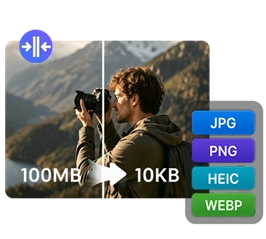
Convert image formats

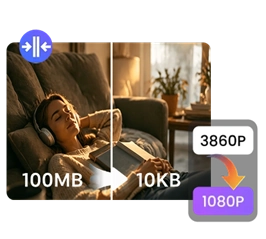
Optimize image files
